Make.com vs Zapier vs n8n — Which Tool to Choose for Your Business?
Introduction — The Growing Importance of Automation in SMBs
In recent years, process automation has become one of the key elements of scaling businesses in the SMB sector. Rising labor costs, recruitment challenges, and pressure to increase efficiency mean that entrepreneurs are increasingly turning to no-code and low-code tools. They enable teams to be relieved, eliminate human errors, and accelerate operational tasks — without needing to hire programmers.
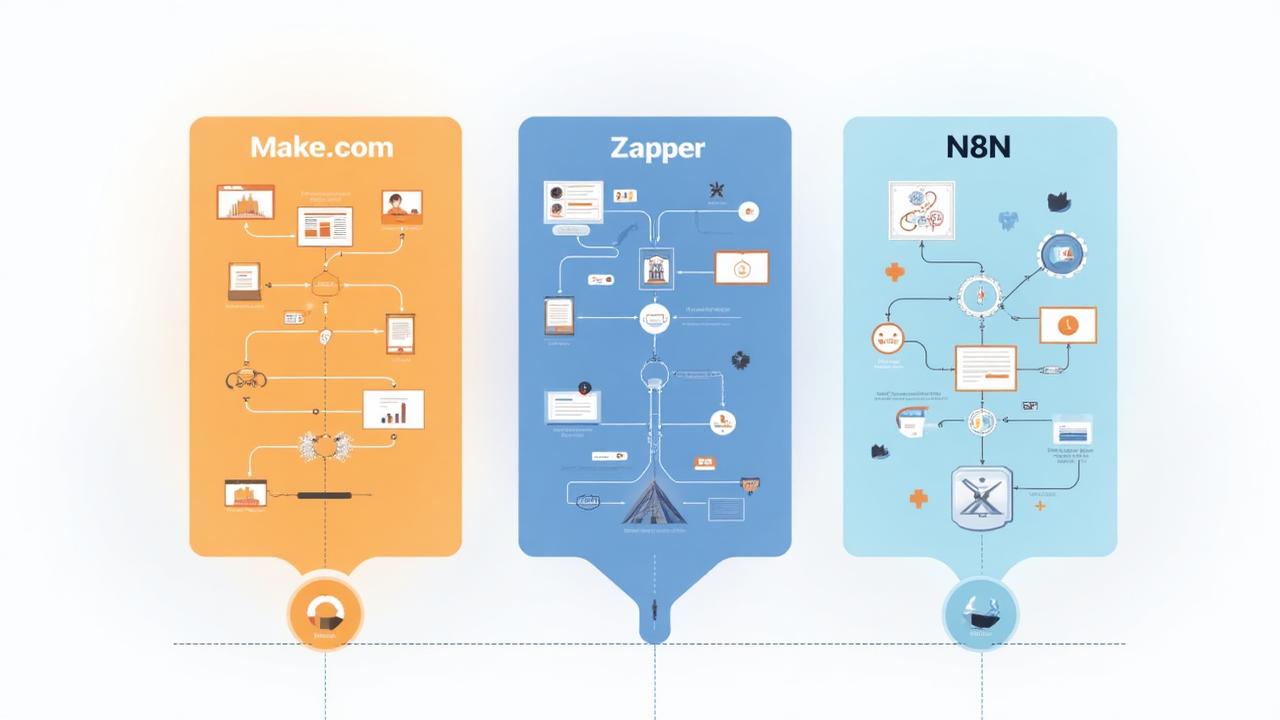
However, a fundamental question arises: which tool to choose — Make.com, Zapier, or n8n? Each has a different operating model, different costs, and different levels of sophistication. As experts in business process automation for SMBs, we have prepared a comprehensive, practical comparison for you.
In this article you will learn:
- ✓How Make, Zapier, and n8n differ
- ✓Which tool will work best for your company
- ✓What are the real costs of implementing automation
- ✓What processes you can improve in HR, sales, administration, and accounting
- ✓What recommendations we give to SMBs based on hundreds of implementations
Reading time: approx. 10 minutes
Make.com — Flexibility and Powerful Capabilities
Make.com (formerly Integromat) is one of the most advanced automation/no-code platforms available on the market. It is characterized by:
- ability to create complex scenarios with branching,
- visual workflow editor,
- very flexible data transformation tools,
- attractive pricing for SMBs.
It is a great choice for companies that need to regularly process larger amounts of data or build more complex automations.
Zapier — Simplicity and Huge Integration Base
Zapier is one of the oldest and most recognizable automation tools. It is famous for:
- extremely simple operation,
- huge number of integrations (over 6,000),
- rapid deployment of simple automations.
It is an ideal tool for companies that want to "just connect apps" and quickly implement basic integrations, e.g., in marketing or sales.
n8n — Open-Source for More Technical Companies
n8n is an open-source platform that can be hosted on your own infrastructure. It offers:
- full control over data,
- practically unlimited possibilities (ability to create custom integrations),
- extremely low cost — even zero when self-hosting.
It is an ideal choice for companies that have an internal technical or IT team and need full independence from SaaS.
Platform Comparison — Pricing, Features, Ease of Use, and Key Differences
Pricing and Implementation Cost for SMBs
Make.com
Make offers a model based on the number of operations and scenarios. It is usually most cost-effective for:
- companies with more complex automations,
- small and medium companies working on dozens of automations.
The Start and Core plans are attractively priced, and the number of operations is often sufficient even for dynamically growing companies.
Zapier
Zapier is the most expensive tool in this comparison. The cost grows quickly depending on:
- number of tasks,
- number of users,
- need for data refresh (1-minute polling requires a higher plan).
For many SMBs, Zapier is a great tool to start with — but costs can grow disproportionately to value.
n8n
The most cost-effective platform — especially in the self-hosted model. When hosting:
- monthly costs are only the server (e.g., €5-10),
- in the SaaS version, prices are moderate but still usually lower than Zapier,
- no operation limits in the self-hosted model.
However, implementation cost is higher because it requires technical knowledge.
* Prices may change. Check the manufacturers websites for current pricing.
Ease of Use and Learning Curve
| Tool | Ease of Use | Best For |
|---|---|---|
| Zapier | ⭐⭐⭐⭐⭐ — very simple | Beginners, non-technical users |
| Make.com | ⭐⭐⭐⭐☆ — intermediate | Companies requiring flexibility |
| n8n | ⭐⭐⭐☆☆ — requires technical knowledge | Companies with IT teams |
If your company has no automation experience, Make.com and Zapier will be much easier to start with.
Integrations and Available Connectors
- Zapier — over 6,000 integrations, best marketing compatibility (Meta, HubSpot, Slack).
- Make.com — over 1,500 official modules, but API and HTTP allow integrating practically anything.
- n8n — hundreds of official integrations, but thanks to open-source you can create your own.
Advanced Features and Business Logic
Make.com and n8n outperform Zapier when it comes to:
- conditional logic,
- loops,
- branching,
- data processing,
- creating more complex processes.
Zapier is simpler but less flexible.
Support, Documentation, and Community
- Zapier — best documentation and very responsive support.
- Make.com — large community, good tutorials, but slower support than Zapier.
- n8n — huge open-source community, but official support only in SaaS version.
Security and Reliability
For SMBs, security is crucial:
- Zapier and Make.com have SOC 2, HIPAA (selected plans) certifications, data encryption, and redundancy.
- n8n provides maximum security with self-hosting — full control over data, which is especially important in regulated industries.
Example Automations for SMBs — Applications in HR, Sales, Accounting, and Administration
HR Automations
Make.com
- • Automatic account creation for new employees
- • Integration of recruitment forms with ATS
- • Generating contracts in PDF and sending for e-signature
Zapier
- • Transferring CVs from forms to Google Drive
- • HR notifications on Slack about new applications
n8n
- • Advanced onboarding processes with conditions
- • Integration with internal HR systems
Sales Automation
Make.com
- • Connecting CRM with invoicing systems
- • Automatic lead qualification
- • Generating PDF offers based on inquiries
Zapier
- • Transferring leads from Facebook Ads to CRM
- • Deal status change notifications on Slack
n8n
- • Lead scoring with external data
- • Automatic sales task creation
Accounting and Financial Automations
Make.com
- • Automatic invoice creation in accounting software
- • Downloading financial reports and sending via email
Zapier
- • Simple automations, e.g., saving invoices to Google Drive
n8n
- • Integration with non-standard accounting systems
- • Advanced financial reports generated cyclically
Administrative Task Automation
Make.com
- • Handling forms and ticket systems
- • Automated reminders for teams
Zapier
- • Calendar and reminder integration
- • Document archiving
n8n
- • Integration with internal administrative systems
Pros and Cons — Summary Table
| Platform | Pros | Cons |
|---|---|---|
| Make.com |
|
|
| Zapier |
|
|
| n8n |
|
|
Expert Recommendations — Which Tool for Whom?
If your company is an SMB without an IT department
Recommendation: Make.com or Zapier
- Make.com for medium to very advanced processes
- Zapier for simple marketing and CRM integrations
If your company has more complex processes or needs custom automations
Recommendation: Make.com
This tool offers the best capability-to-price ratio.
If your company has an IT department or works in a regulated industry (medical, financial, legal)
Recommendation: n8n (self-hosted)
Provides full control over data and unlimited technical capabilities.
If you care about implementation speed and minimal effort
Recommendation: Zapier
The simplest interface, great for beginners.
Summary — What to Choose and What to Do Next?
Choosing the right automation tool is not obvious. Each platform has its strengths and weaknesses, and the ideal tool depends on:
- type of processes,
- budget,
- available technical resources,
- scale of operations,
- industry and legal requirements.
WPROWADZAMY.AI has been helping SMBs implement operational, HR, sales, and administrative automations on each of these platforms for years — matching the tool to needs, not the other way around.
If you want to:
- ✓ Analyze processes in your company
- ✓ Choose the right platform
- ✓ Implement automations from A to Z
- ✓ Train your team
Contact us at WPROWADZAMY.AI
Automate your company and gain an advantage — starting with the right tool.